Tidal Contrast turns your Apple Watch and iPhone into a calm guide for ice baths, cold plunges and open water. Live water temperature, heart rate, firm time limits, a spotter and a proper rewarm.
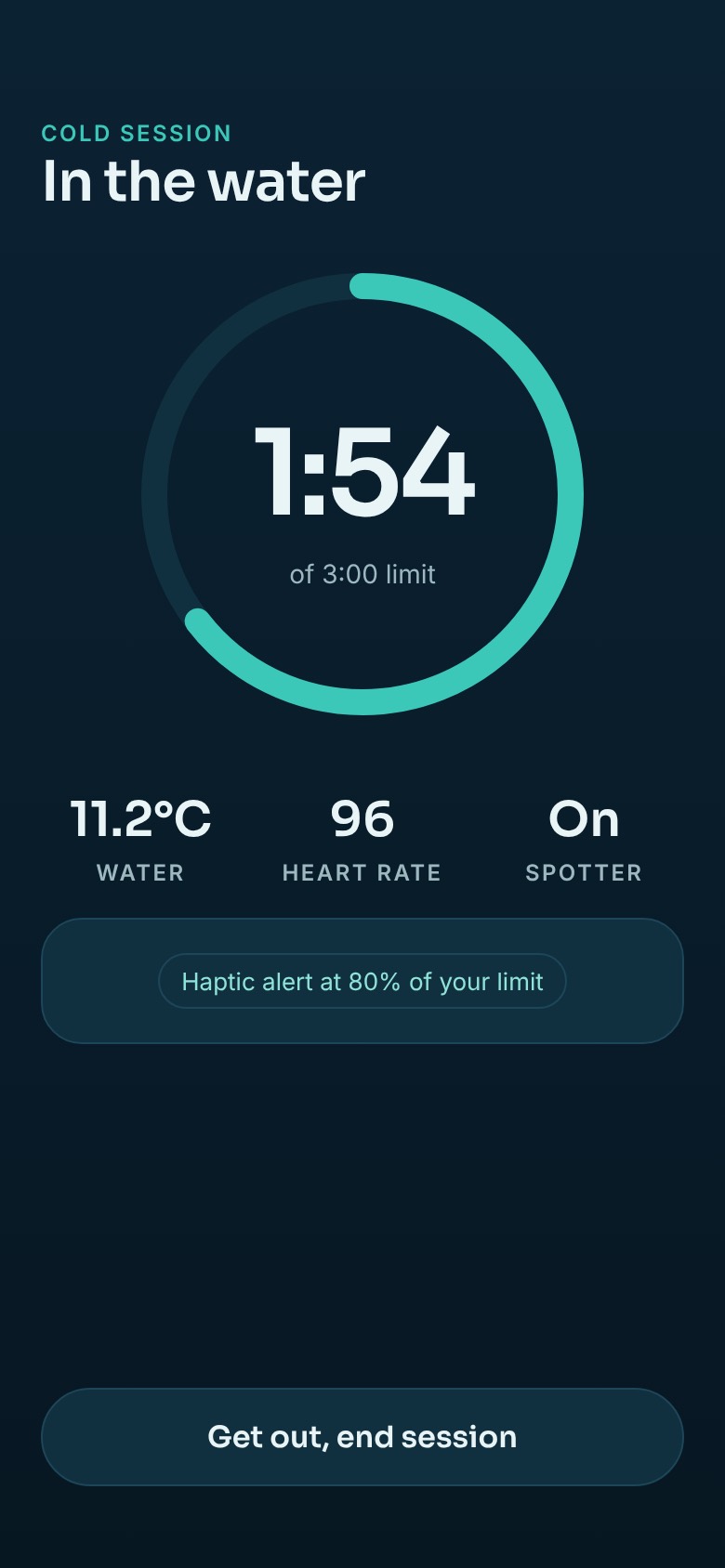
Haptic Alert at 80% of Your LimitGet Out, End Session
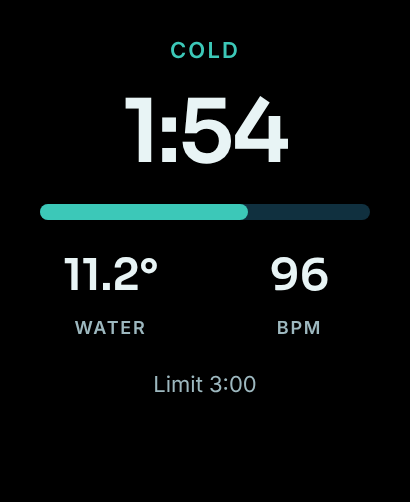
1:00of 3:00
11.2°Water96BPM
80% Haptic
Water 11.2°CMeasured by your Watch
Heart RateLive on your wrist
Hard LimitHaptic alert at 80%
SpotterTold if you stay in
Design previews of the first version, which is in development.
How It Works
One Session, Six Calm Steps
The Watch does the work, so your phone can stay in the bag. Every session runs the same way, from the first look at the water to a warm drink afterwards.
01
Cold Water
11.2°C
Today’s Limit 3:00
Start
Ready
Check today's limit and the water. Start from the Watch, or the Action button on Ultra.
02
Settle
90
Stay Still, Slow Breaths
Settle
Ninety seconds to stay still and let your breathing calm before the timer starts.
03
1:00of 3:00
11.2°Water96BPM
80% Haptic
In the Water
Big numbers and haptics only. No taps needed, so Water Lock can stay on.
04
Out
Get Out Slowly
Sit down for a moment
2:48
Out
Get out slowly and sit down. The Watch notices when you leave the water.
05
Rewarm
38:59
Dry Off
Dress Warm
Warm Drink
Rewarm
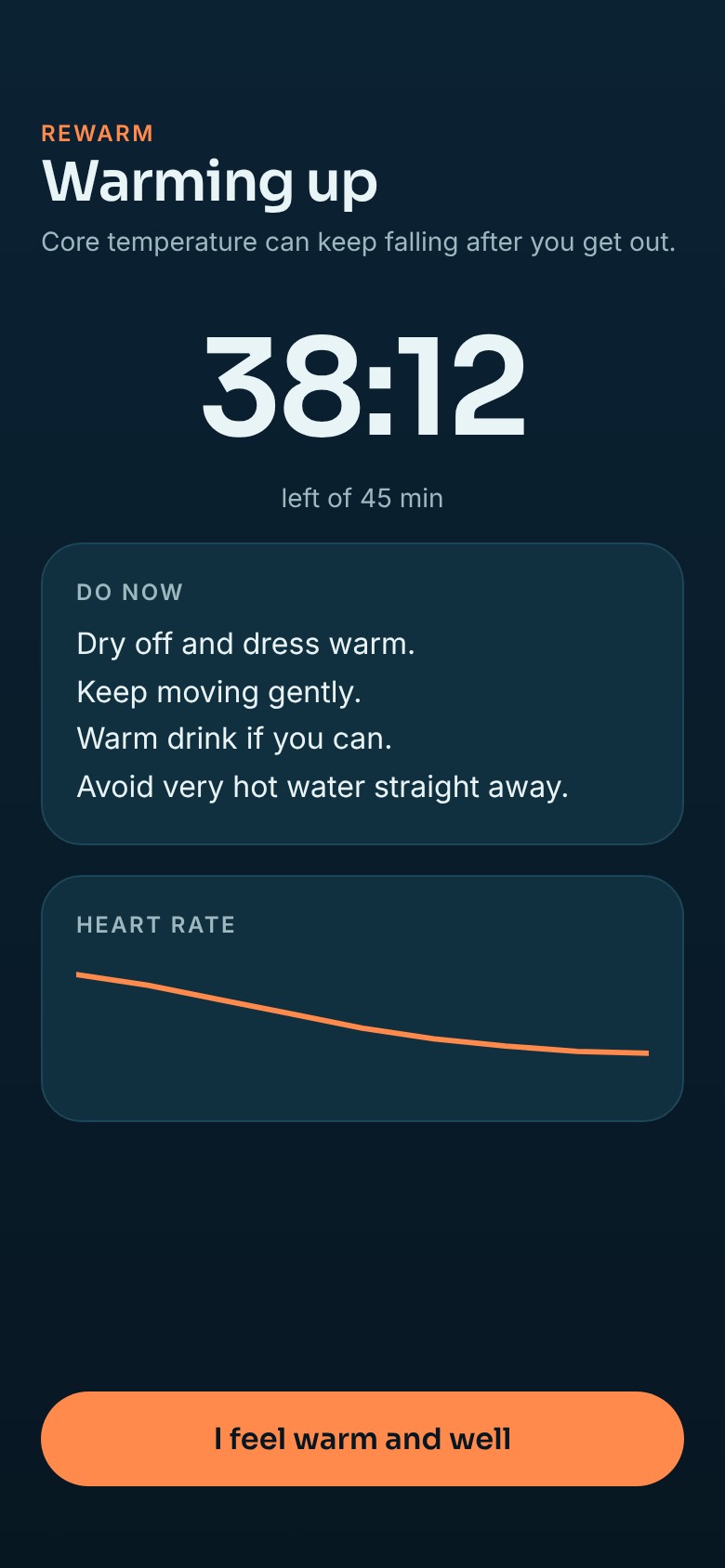
A 45 minute guide: dry off, dress warm, a warm drink, and wait before a hot shower.
06
Summary
2:48
Water
10.9 to 11.4°
Peak HR
128
At 5 Min
88
Summary
Time in, the water range, and your heart rate in the first 30 seconds and at five minutes.
Time Limits
Limits That Earn Their Way Up
Cold shock is strongest in your first sessions, so Tidal Contrast starts short and only lengthens the limit once you have built up some practice. You will feel a haptic warning at 80% of your limit, then a repeating alarm at the limit until you tap Out.
2 minutes for your first five sessions
3 minutes after that, which you can raise in steps to 5
10 minutes is a ceiling nobody can change
Every limit is a proposed default and will be reviewed by a water safety professional before launch.
10:00 Ceiling, Fixed
1
2
3
4
5
6
7
8
9
10
Beginner, 2:00Standard, 3:00 to 5:00Session
After the Cold
Rewarm, Not Just Exit
Your body can keep cooling for a while after you get out, often called afterdrop. So every session ends with a 45 minute rewarm: dry off, dress warm, have a warm drink, move gently, and wait before a hot shower. If you are shivering hard or feel confused, the app tells you to get warm gently and get help.
7:42
After Cold
Rewarm
38:59of 45:00
Dry off and dress warm
Have a warm drink
Move gently
Wait before a hot shower
How Do You Feel?
CalmShiveringVery Cold
Spotter
Someone Knows You’re In
Cold water is better with company. Every session offers a spotter: pick a contact and they get a short message when you start. If you have not tapped Out by your limit plus a margin, they are told you are overdue. Only the session status is shared, never your heart rate or location.
7:42
Spotter
Sam Is Watching Out
Message Sam Receives
Alex started a cold session at 7:42. Expected out by 7:47.
Started
Out
Overdue
Only the session status is shared. Never heart rate, temperature or location.
The iPhone App
Ready on Your Phone. Simple in the Water.
A first-launch health check, your daily check, a live view from the edge, and every session afterwards with its heart rate and water temperature curves.
7:42
Tidal Contrast
Good Morning
Today’s Limit3:00
Water11.2°C
Daily Check
No Alcohol
Feeling Well
No Dizziness
Last Session2:48 · 10.9°C · Yesterday
Start Cold SessionSpotter: Sam
Today
7:42
Cold Session
In the Water
1:00of 3:00 limit
11.2°CWater96Heart RateOnSpotter
Haptic Alert at 80% of Your LimitGet Out, End Session
Live Session
7:42
History
Tuesday, 7:42
Heart Rate
0:002:48
Water Temperature
11.4°10.9°
2:48In Water128Peak HR88At 5 Min
Monday2:30 · 11.6°C
Saturday2:00 · 12.1°C
Thursday2:00 · 12.4°C
History
Safety First
Five Rules the App Will Not Bend
If a feature and a safety rule ever disagree, the safety rule wins. These are built into the app, not left to settings.
Short limits for beginners, a firm ceiling for everyone, and a haptic warning before you reach it.
2
Calm Breathing Only
The app never prompts breath holds or fast breathing. Near cold water, that combination is a drowning risk.
3
A Spotter Every Time
Offered on every session, so someone knows when you go in and when you should be out.
4
A Daily Check
Three taps before each session: alcohol, feeling unwell, dizziness. Any yes makes today a skip day.
5
Honest Numbers
Only what the Watch really measures. No invented core temperature, no scores, and dashes when heart rate drops out.
Design Previews
Built for Wet Hands and Cold Mornings
Big numbers, one action per screen, and nothing to tap while you are in the water. These are the planned screens for the first version.
Cold SessionOn the WristRewarm
On the Way
Then the Contrast: Heat
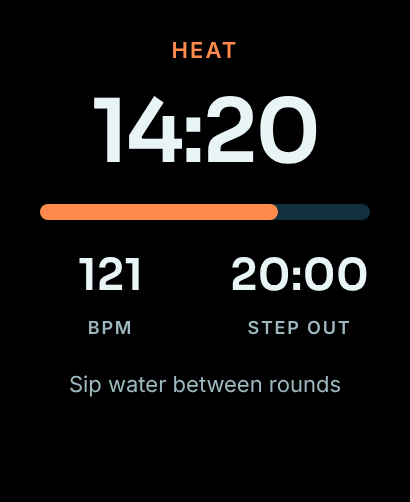
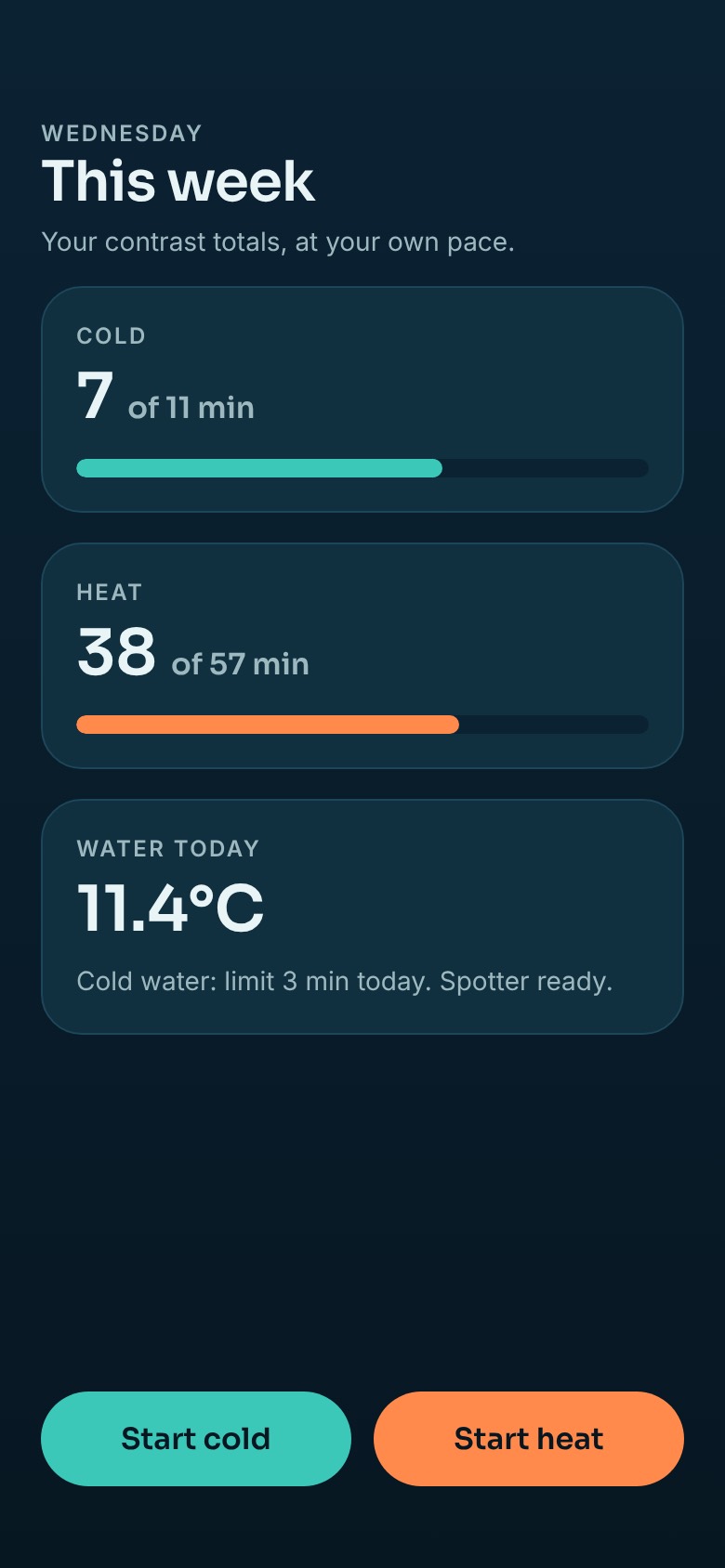
The first version is all about cold water. Sauna and steam rounds come next, with heart rate on your wrist, round timers and a clear point to step out, plus a gentle weekly view of your time in the heat and the cold.
Wearing a Watch in the sauna will be an opt-in, off until you turn it on, with plain warnings and a pointer to Apple’s guidance for your model.
No AccountNothing to sign up for
No AdsAnd no selling of your data
On Your DevicesHealth data stays on your Watch, iPhone and in Apple Health
No Health AnalyticsNothing that includes your health data leaves the app
Cold Water, With a Calm Coach on Your Wrist
Tidal Contrast is in development for Apple Watch and iPhone. The App Store link will be here when it is ready.